ChromapalChromapal | Color assistant

Measure the color. Mix the paint.

Upload a photo of your subject, or take one on the spot with your phone to measure the color instantly. Color Assistant calculates the mixing ratio based on the colors of your brand and selection, and suggests which extra colors you can use for the best result.

The ratios are an approximation — Color Assistant is a tool that gives direction in the painting process, not an exact measuring stick.

How it works.

From photo to mixing recipe in under a minute.

1

Upload or photograph

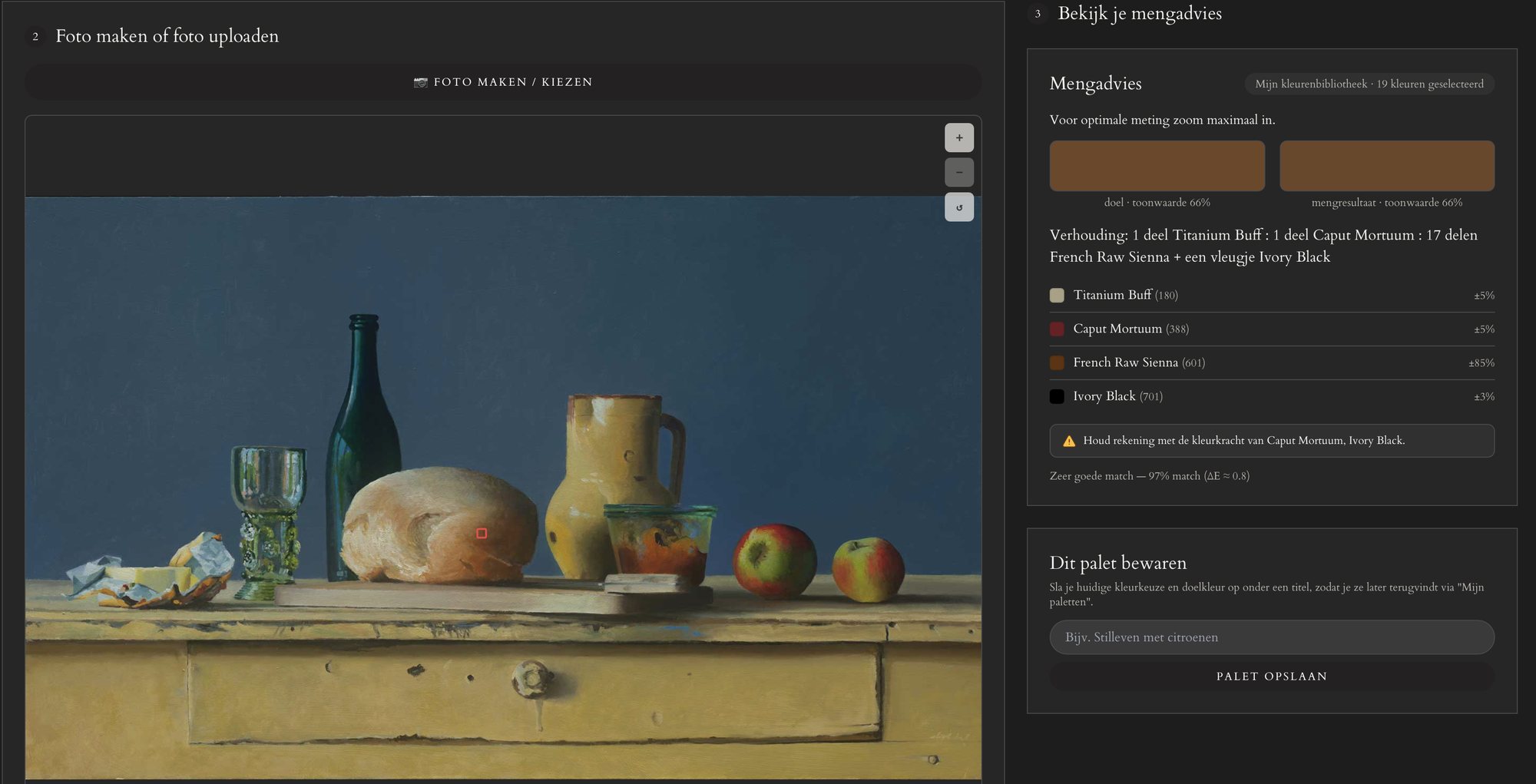
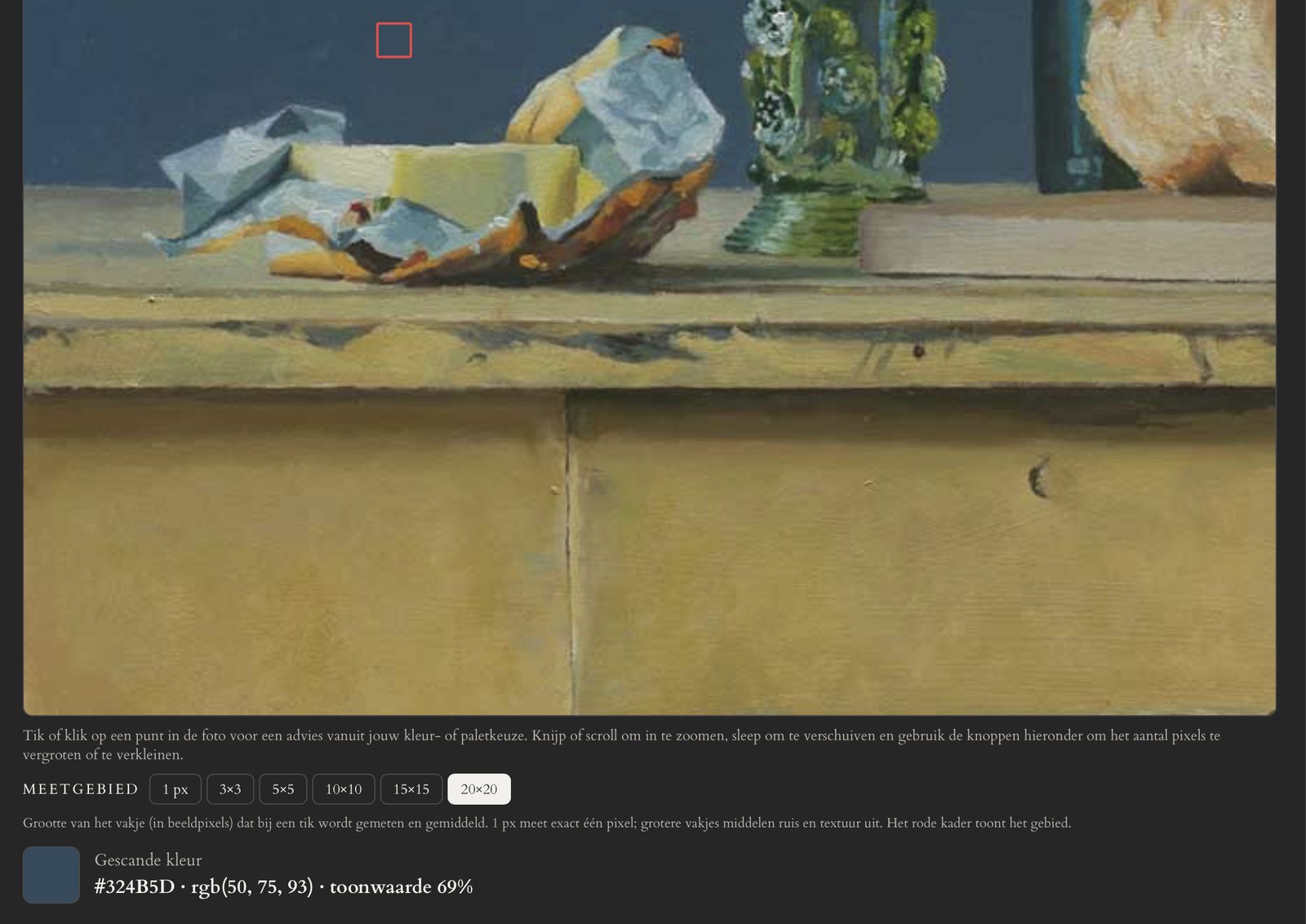
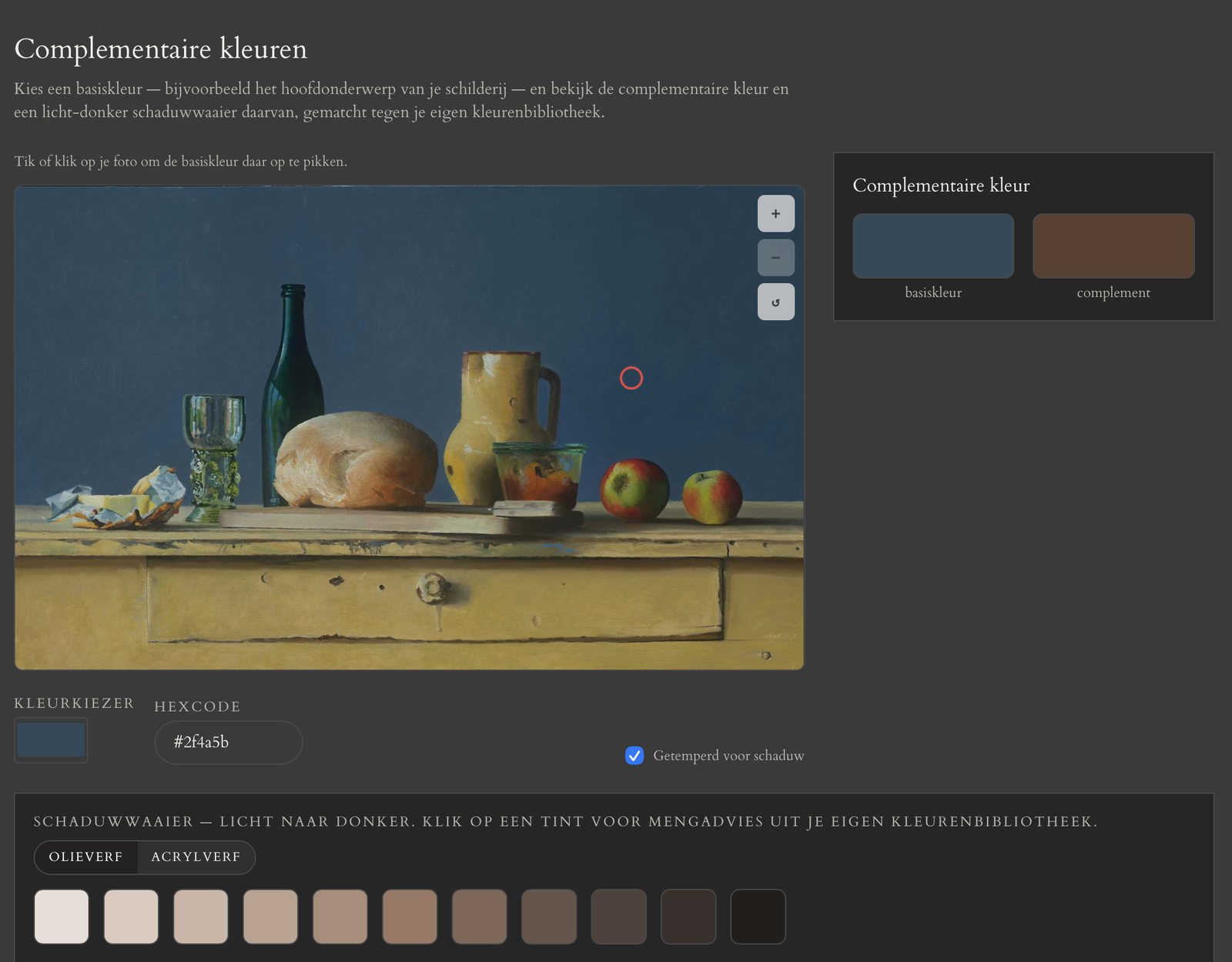
Tap this sample photo to measure the color — scroll or pinch to zoom in up to 4x on details (up to 14x zoom in the “real” tool).

2

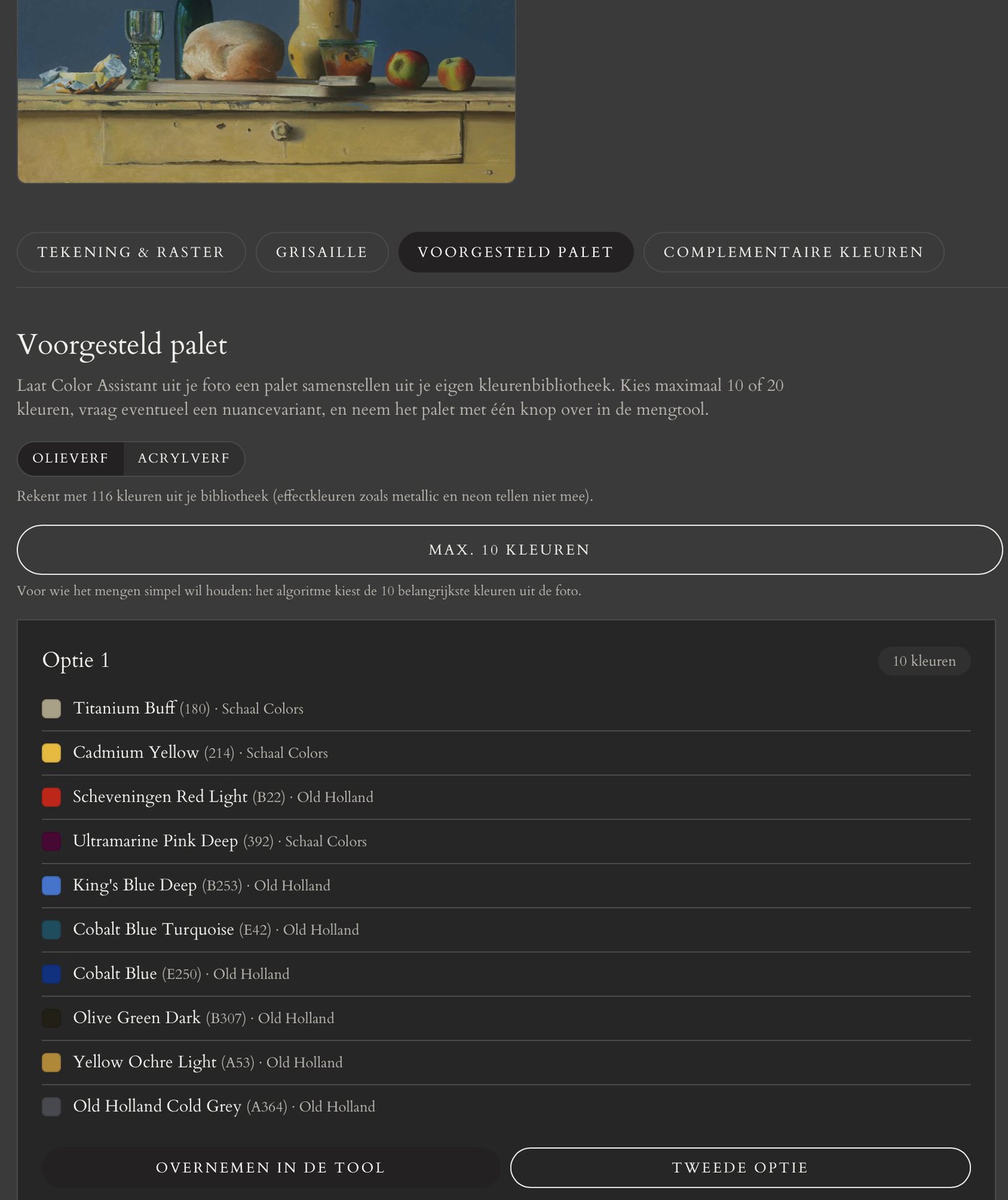
Choose your palette

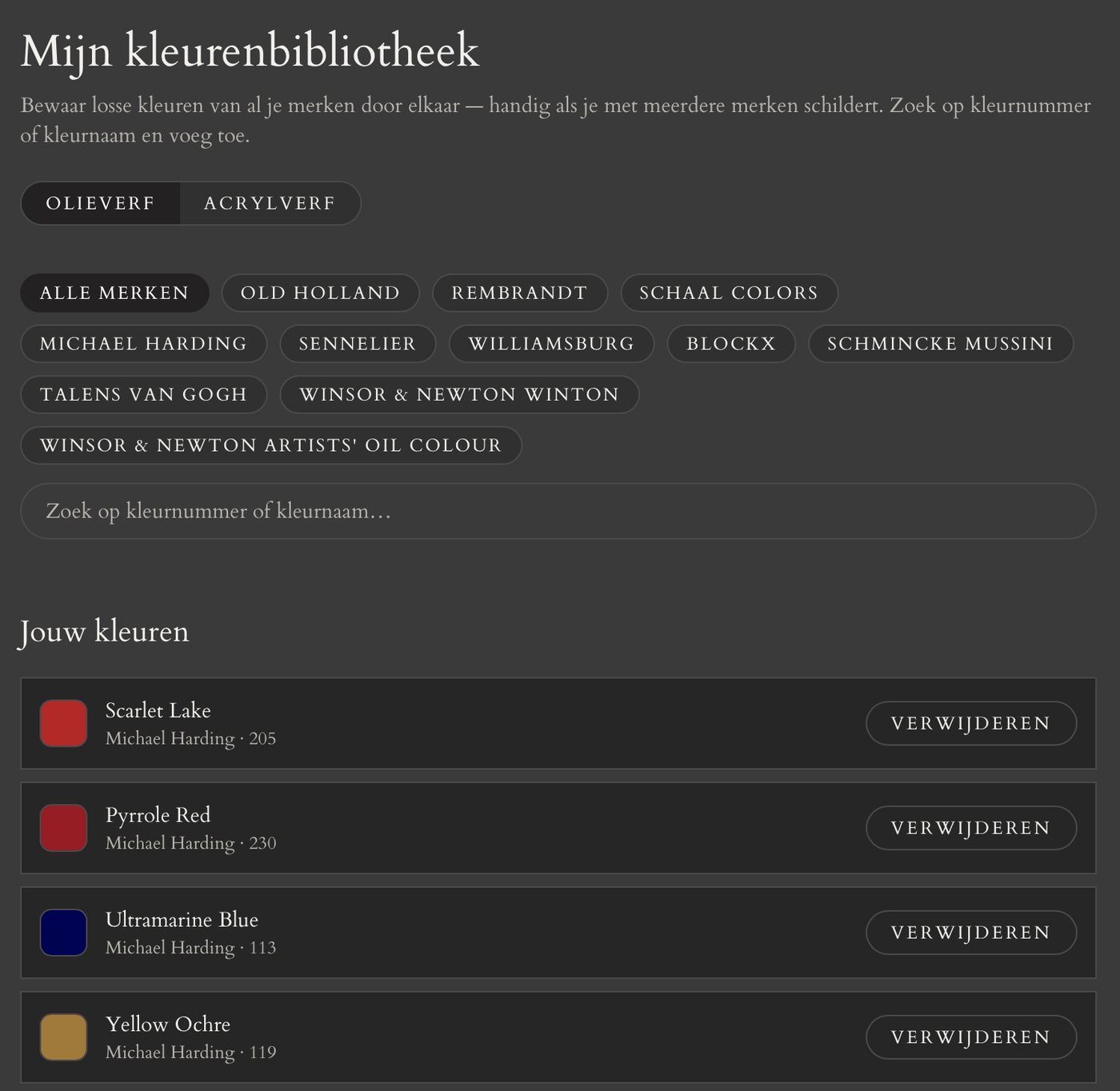
Choose from one of the four sample palettes. For Old Holland and ArA, the demo automatically uses the entire color range. (In the tool you can put together your own personal palette per brand.)

First measure a color in step 1 and choose a palette in step 2 — the mixing advice will then appear here.
3

Mix with confidence

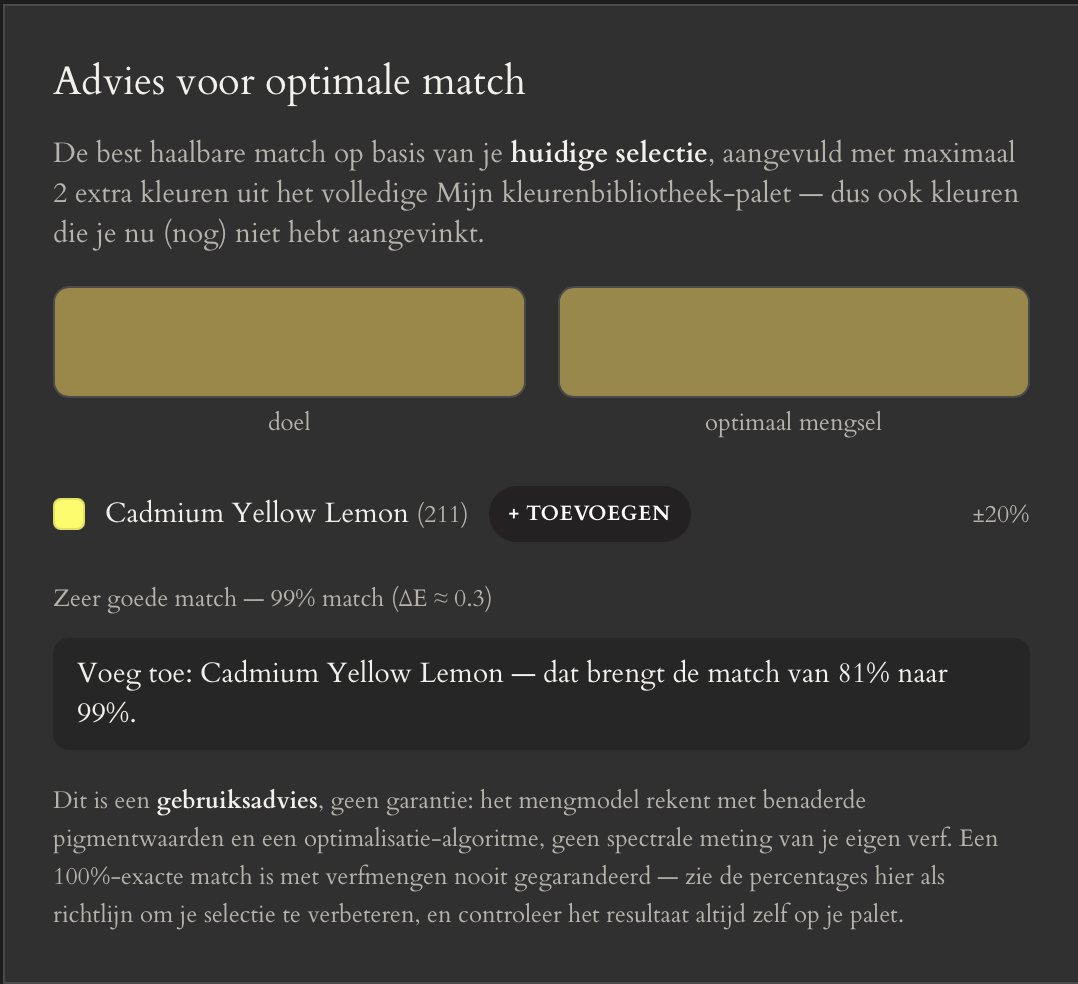
Color Assistant calculates the best mixing ratio. In this example based on a maximum of 4 colors. With your own chosen color palette, the result is calculated based on your selection and additional advice is generated.

Tuned to the brands you already use

Every brand has its own pigments and color character — that's why Color Assistant calculates per brand, not with a generic color set.

Four subscriptions, cancel any month

No annual contract, no hassle — start with 48 hours free and stop whenever you want.

Study classic palette

Practice with 9 fixed classic/academic palettes, without brand selection

€5,- / month

  • No brand selection — 9 fixed palettes (Zorn, Rembrandt, Florence Academy of Art and more)
  • Colors based on standard RGB values, not tied to a brand — oil and acrylic
  • Camera scan + mixing advice
  • Add tonal value measurement for €2,- extra per month
  • Grisaille painting
  • Complementary color measurement
  • Always cancel any month

Basic

Choose the brands you need yourself

from €5,- / month

  • 1 brand included for €5,- per month
  • Add extra brands for €2,- per brand per month
  • Camera scan + mixing advice
  • Add tonal value measurement for €2,- extra per month
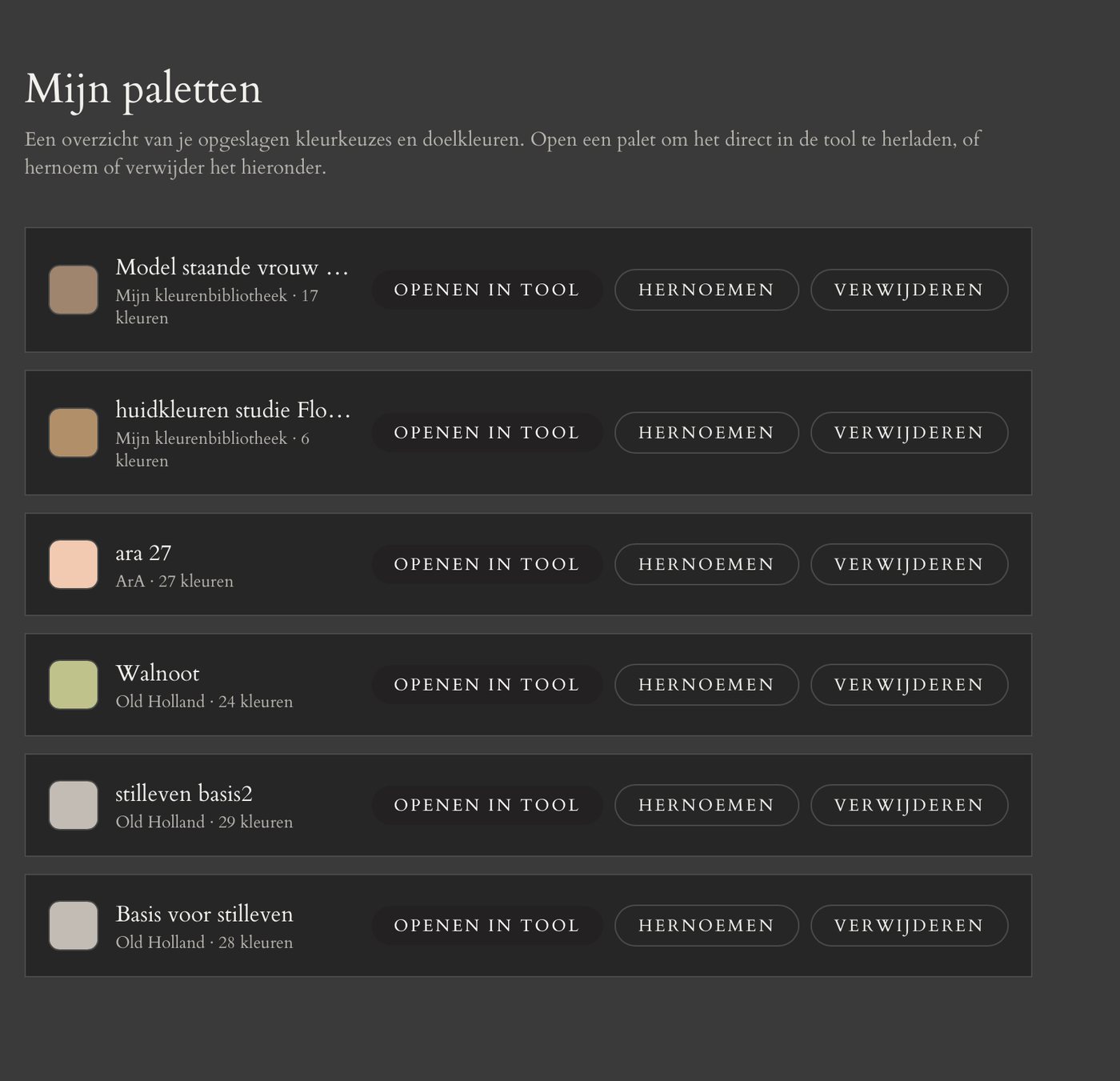
  • Add saving palettes for €1,- extra per month
  • Grisaille painting
  • Complementary color measurement
  • Change brands yourself, always cancel any month

Extended

All brands, including new ones — the complete color library in one subscription

€10,- / month

  • Access to all brands, now and in the future
  • Full advice overview across your entire palette
  • Camera scan + mixing advice
  • Add tonal value measurement for €2,- extra per month
  • Grisaille painting
  • Complementary color measurement
  • Always cancel any month

Complete package

All brands together with the classic palettes in one subscription — nine historical and academic palettes such as Zorn, Rembrandt and Florence Academy of Art.

€17,50 / month

  • Access to all brands, now and in the future
  • Includes 9 classic/academic palettes (Zorn, Rembrandt, Florence Academy of Art and more), in oil and acrylic
  • Camera scan + full mixing advice
  • Includes tonal value measurement (grayscale analysis)
  • Includes saving palettes
  • Grisaille painting
  • Complementary color measurement
  • Always cancel any month

Frequently asked questions

Still have questions? Here are the answers to what we get asked most.

How exactly does Color Assistant work?

You photograph a color, or upload an existing photo, and tap the point you want to measure. Color Assistant then instantly calculates a mixing ratio using the paint you've chosen — tuned to the real pigments of your brand, not a generic color set.

How accurate is the mixing advice?

The advice is an approximation, not an exact measurement. The calculation is based on known pigment compositions and official product information per brand, not spectrally measured paint. Use the advice as a starting point and always test a mixture on a small scale first before applying it further.

Which brands does the tool work with?

Among others Old Holland, Rembrandt, Van Gogh, Winsor & Newton, Michael Harding, Sennelier, Williamsburg, Blockx, Schmincke, Golden, Liquitex, Ara and Amsterdam — both oil and acrylic paint. Brands are added continuously; see the current overview under 'Brands' above.

What is tonal value measurement?

Tonal value measurement shows how light or dark a color is, separate from the hue itself, on a fixed 21-step scale from white to black. The measurement is brand-independent, so it works with every subscription — it's already included with the Complete package, and with the other subscriptions you add it for €2,- extra per month.

What is grisaille painting?

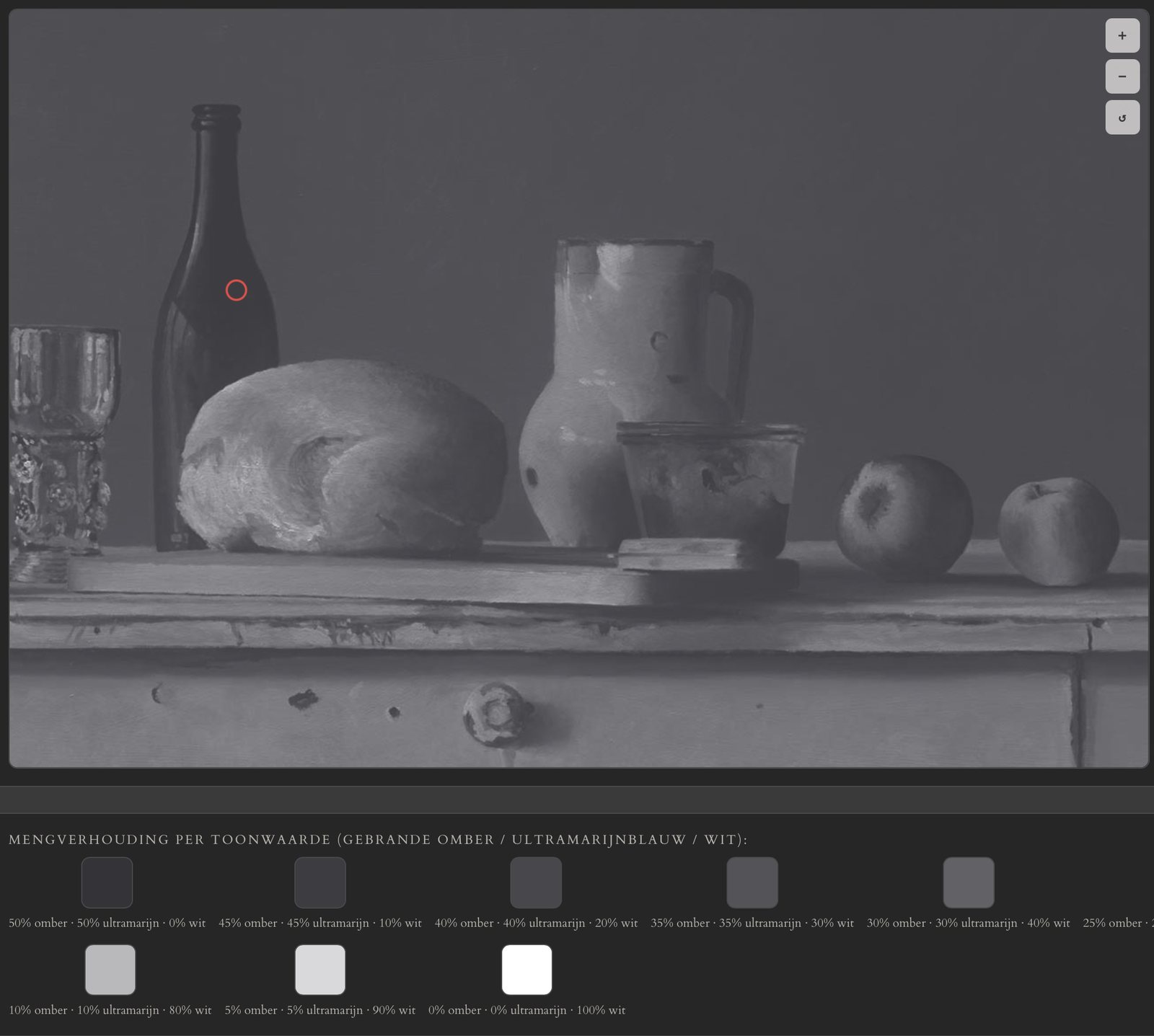
With grisaille, you first lay down the light-dark relationships in a monochrome underpainting before starting on color. Upload a photo and the tool turns it into a grisaille with mixing advice (umber, ultramarine and white) per tonal step. This feature is included with every subscription.

Which subscription fits me?

Working with one or a few brands? Choose Basic. Want access to all brands, including new ones? Choose Extended. Want everything, including the 9 classic palettes, tonal value measurement and saving palettes? Choose Complete package. Just want to practice with the classic palettes without choosing a brand? Choose Study classic palette.

Can I try the tool for free first?

Yes, every new account gets a one-time 48-hour free trial. Not for you? Cancel free of charge within those 48 hours. If you don't take any action, your subscription continues and the amount is charged.

Can I cancel any month?

Yes. All subscriptions are cancellable monthly, with no further notice period. You keep access until the end of the current billing period. Because Color Assistant is a digital service that becomes available immediately, no statutory 14-day right of withdrawal applies.

Can I change brands later on?

With Basic you can add or change brands yourself at any time via your account — the change takes effect immediately, including on your next invoice. With Extended and Complete package you already have access to all brands.

What happens to my photos?

Nothing — the camera and photo scanner work entirely locally in your own browser. Your photo is analyzed there to measure a color, but is never uploaded to or stored on our server. We don't have access to or keep a copy of your photos.

Which device works best with the tool?

The tool works best on a desktop or tablet. For the best result, make sure your photos are saved in the sRGB color profile (the default on nearly every phone and camera).

Do the listed prices include VAT?

Yes, prices include VAT where applicable. Payments are processed securely via Stripe.